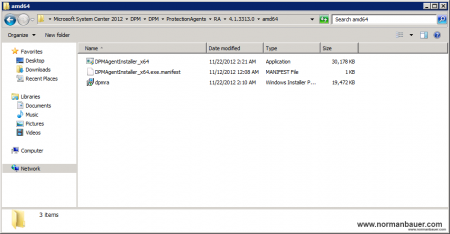
When trying to manually install a Microsoft System Center 2012 SP1 Data Protection Manager Agent you may receive this error:
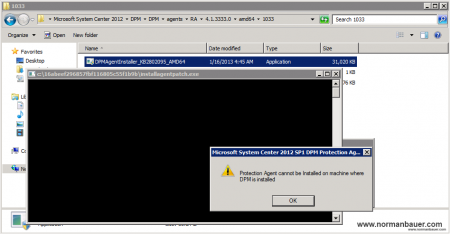
Protection Agent cannot be installed on machine where DPM is installed
This problem occurs when you’re trying to install the agent from …\DPM\Agents\RA\4.1.3333.0\… folder. Try installing the SP1 RTM agent first by navigating to …\DPM\ProtectionAgents\RA\4.1.3313.0\… After installing this version you can apply the update from the first folder or from DPM Management Console.